
One solution to your global professional needs
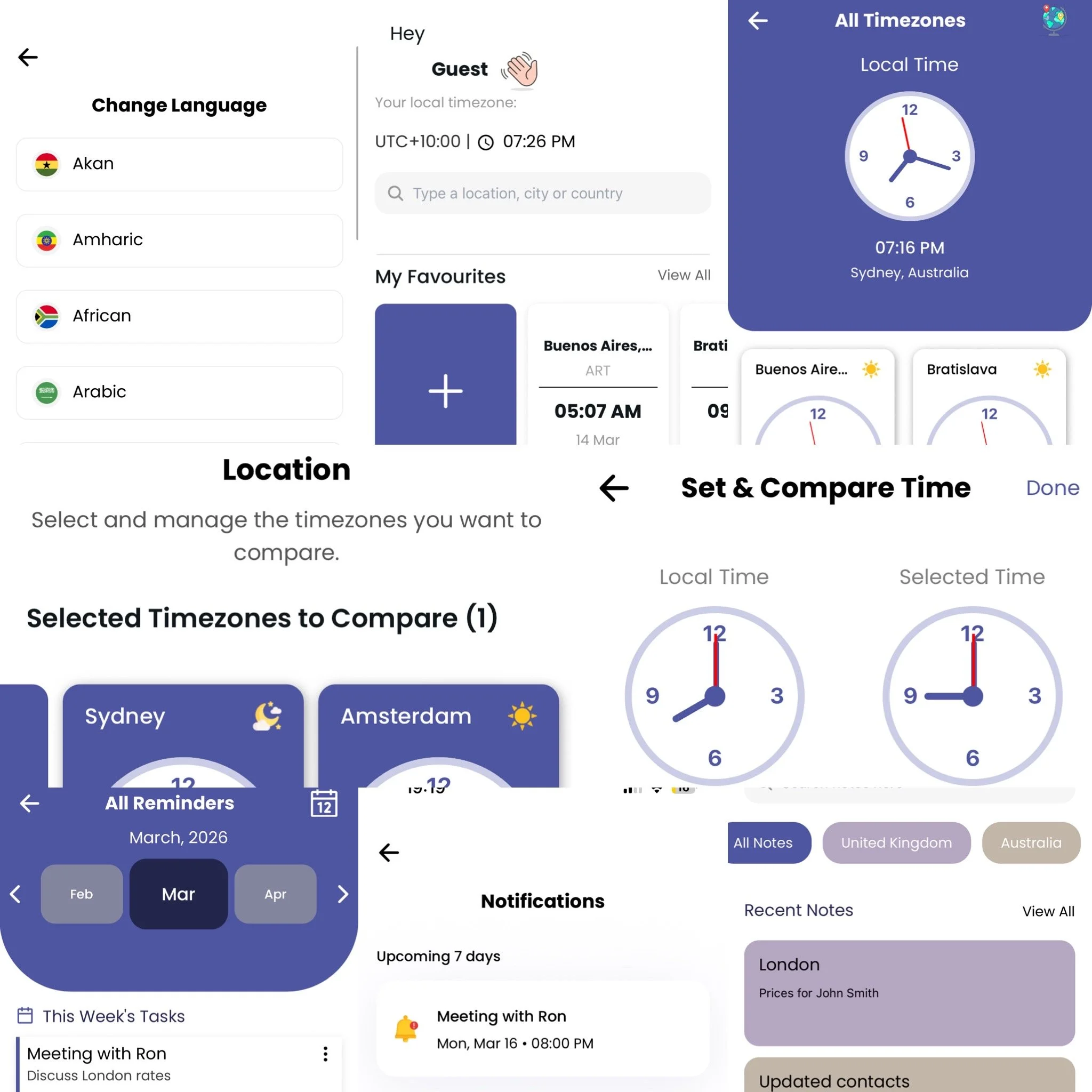
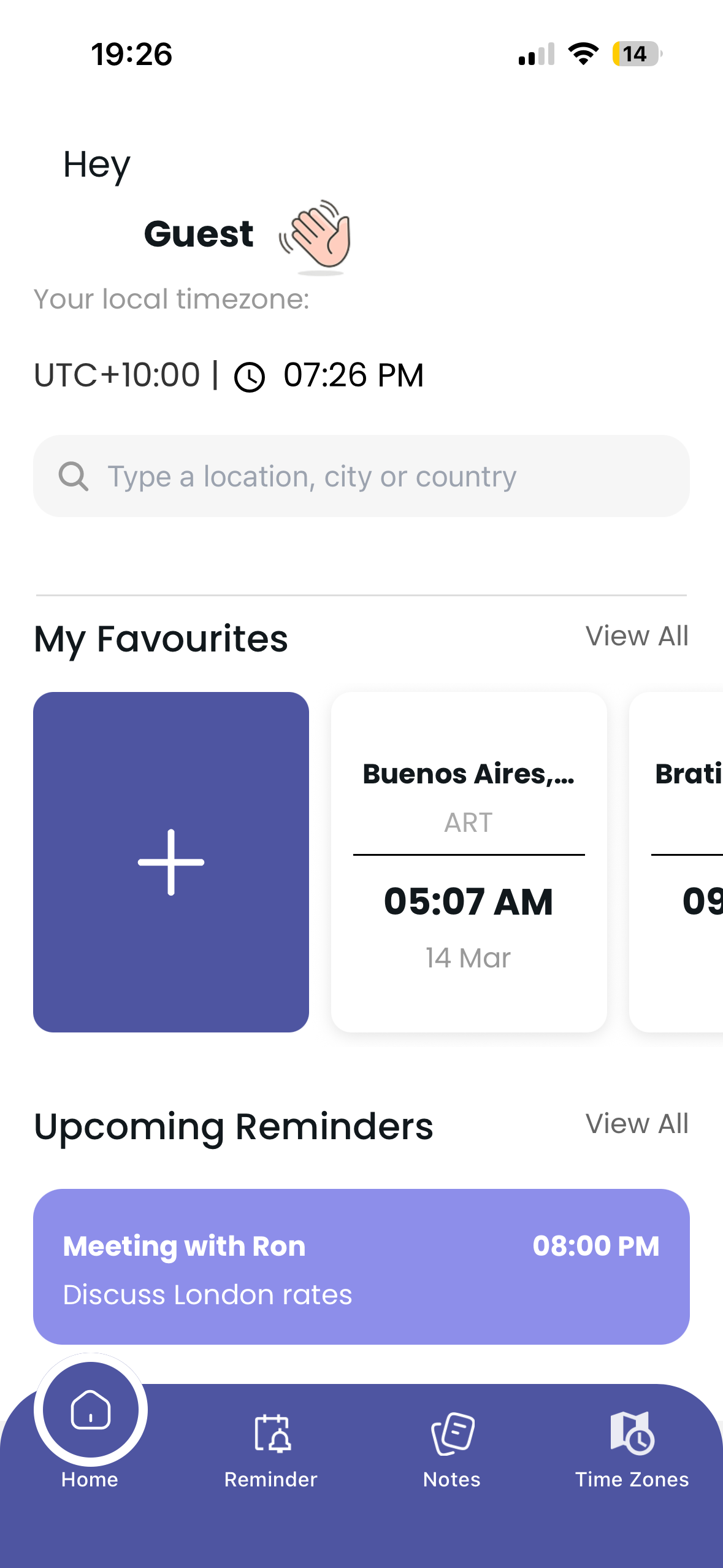
ZoneSync provides an opportunity for you to manage timezones, reminders, notes globally
What You get
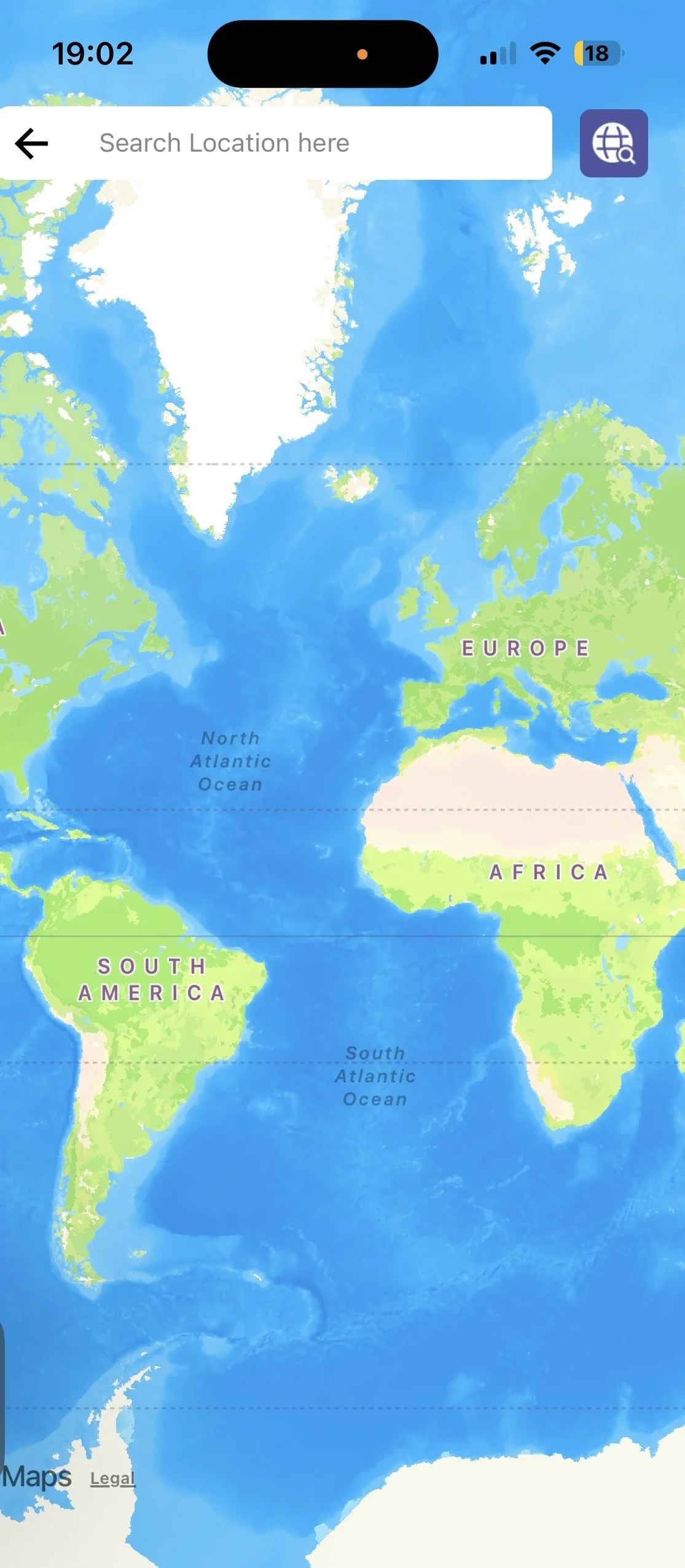
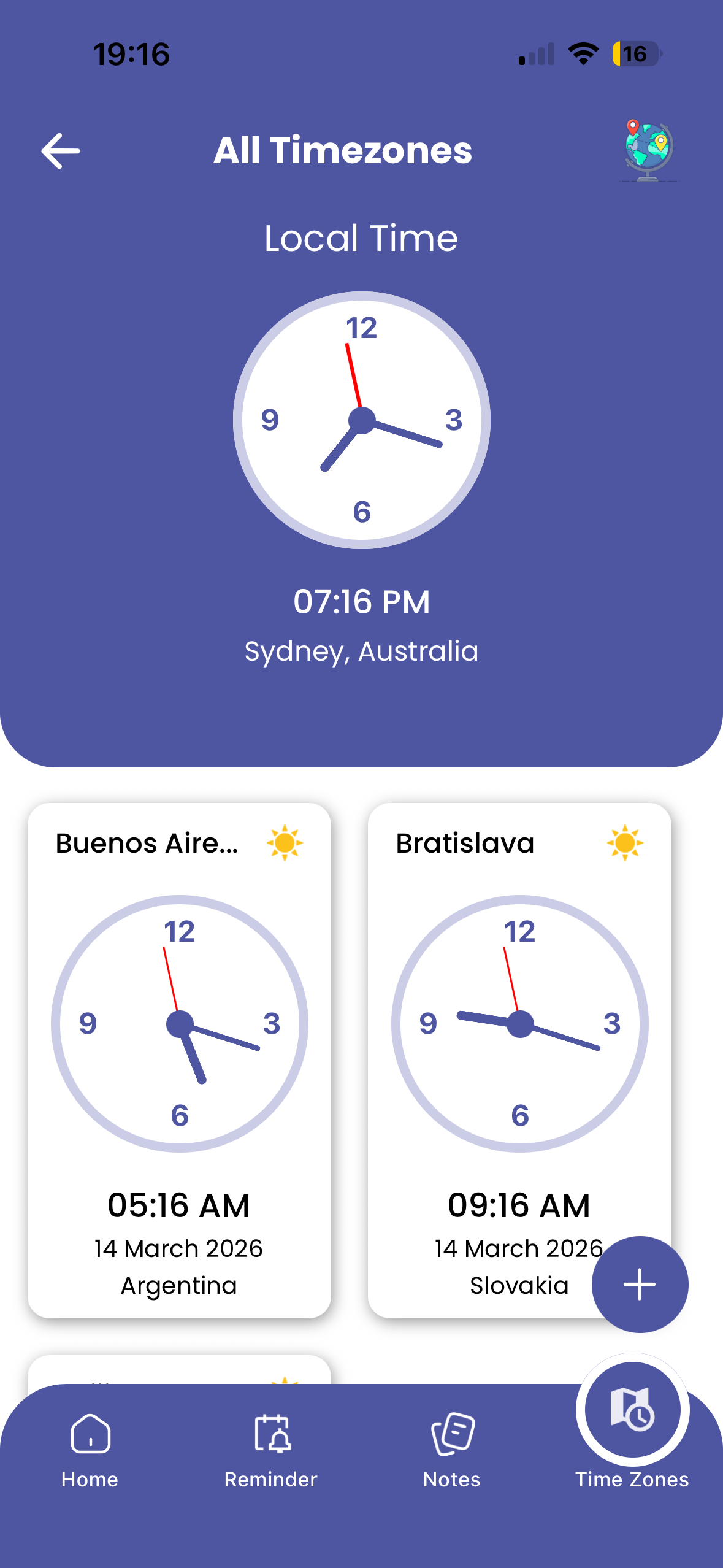
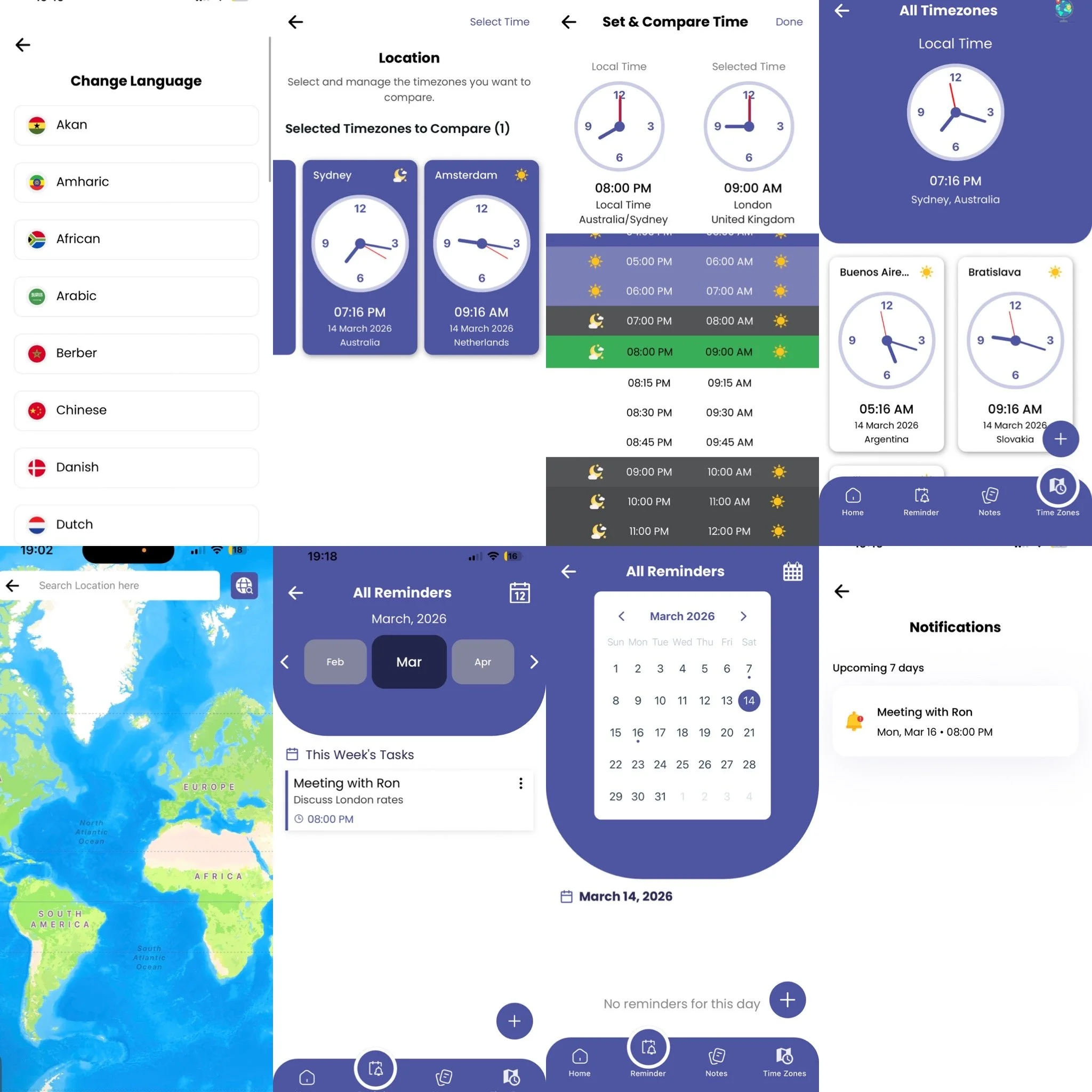
ZoneSync mobile application allows you to search all timezones in the world, compare timezones to set reminders, set notes for specific locations and navigate through the world map.
Country Info
As you navigate through the world map, you can find the latest details of a nation’s currency rate, financial news, phone code, weather etc.
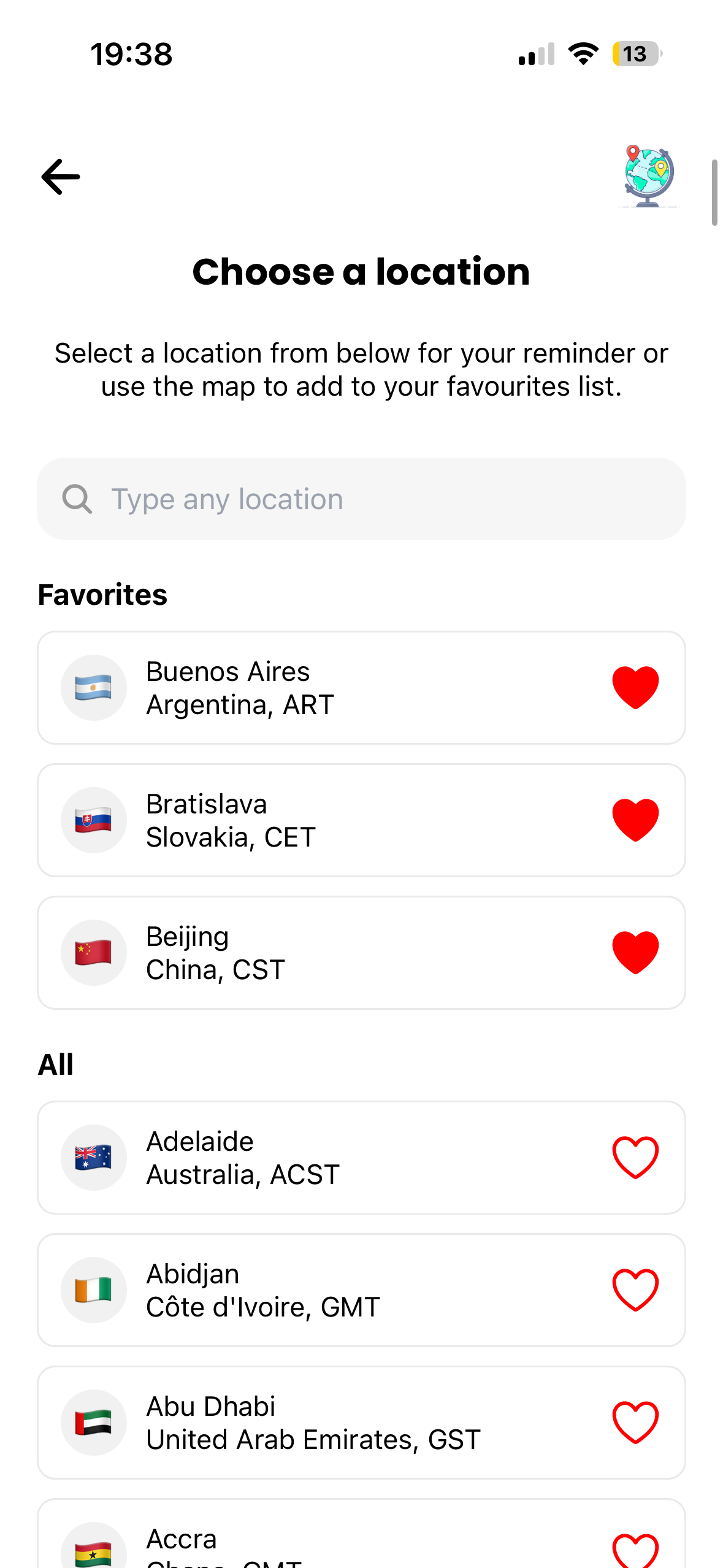
You can also favourite timezones you wish to track of on daily basis.
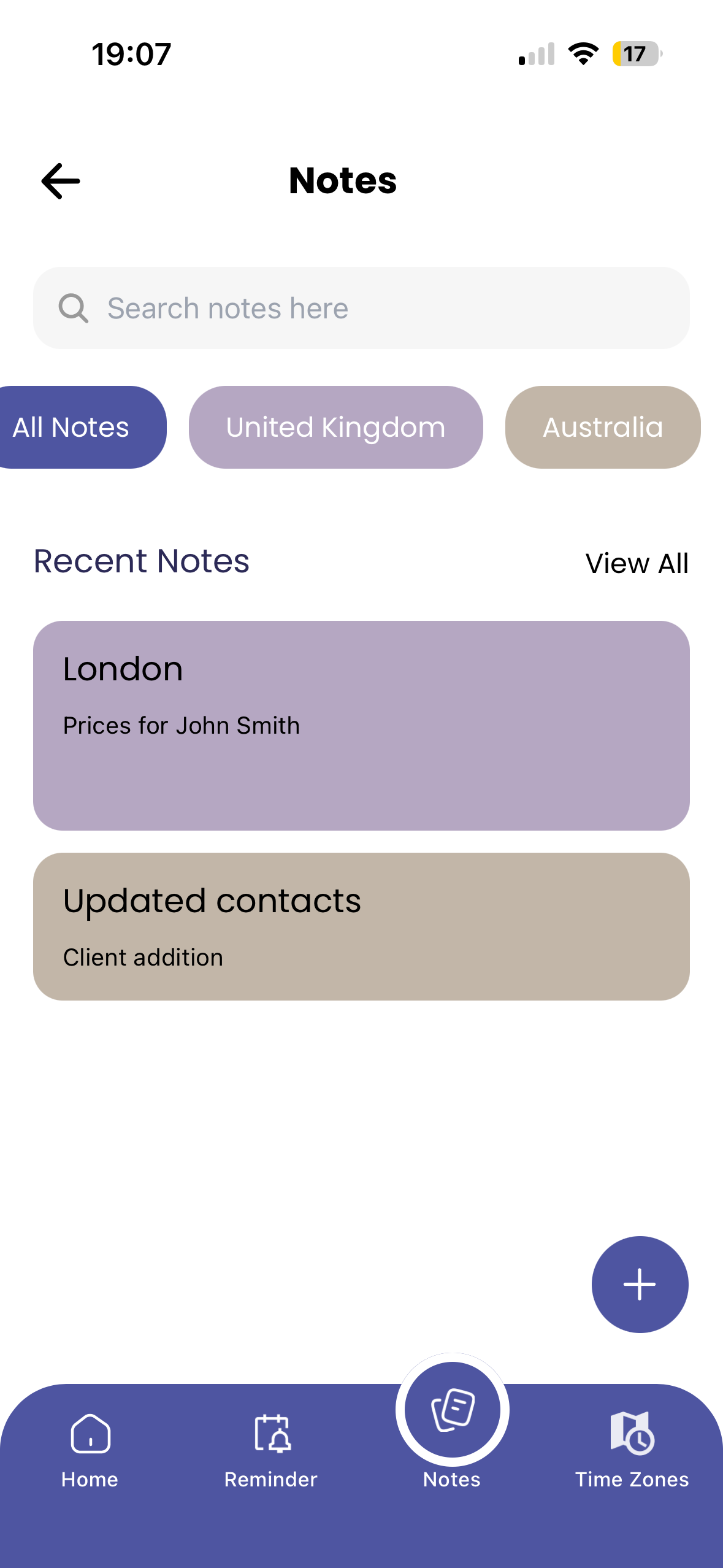
Note taking
Now you can take notes for a specific location so you never confuse your product rates while you juggle with details for /from clients from different nations.
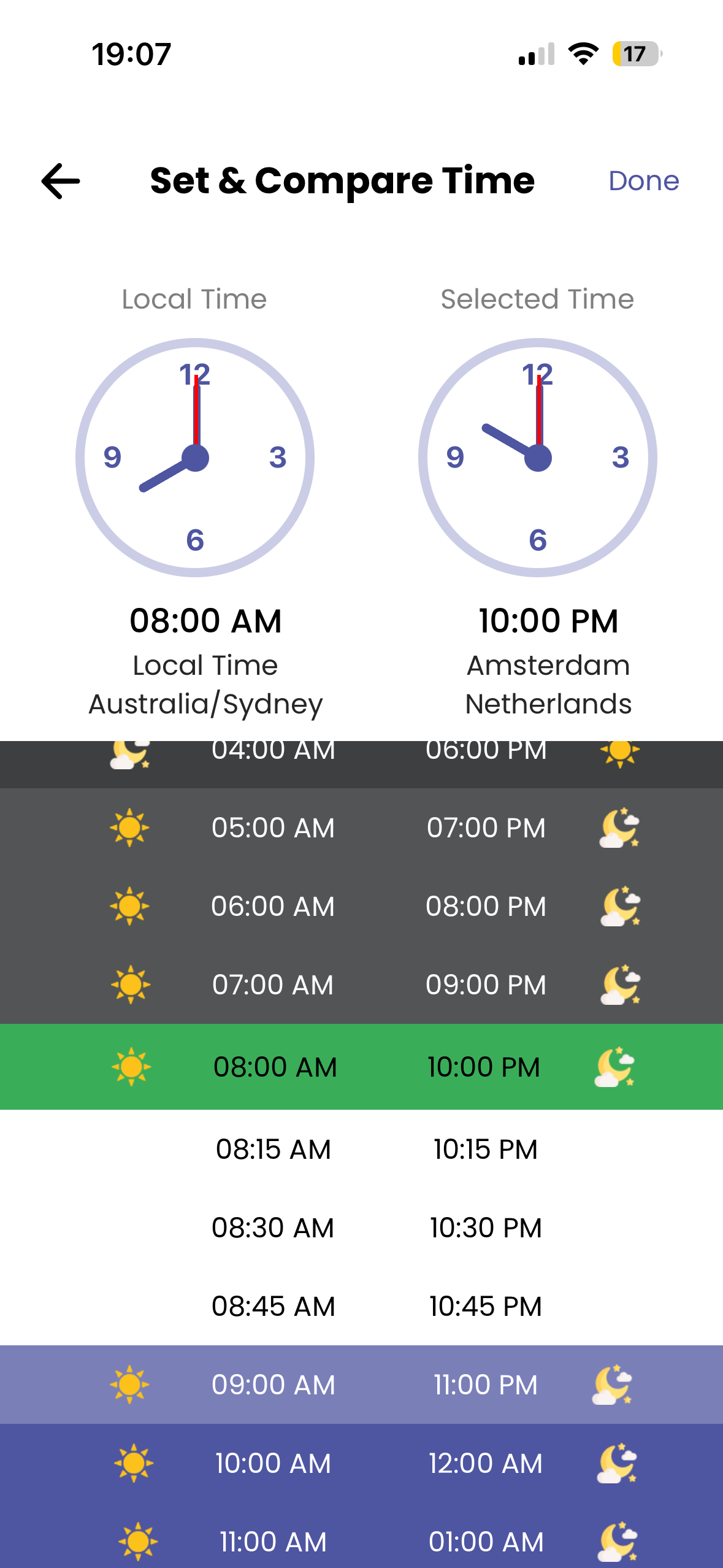
Compare & remind
You can compare timezones and set reminders based on another timezone.
Our goal is to create a simple, one stop solution for all professional needs of those who want to stay on top of their global business needs.
Your Questions, Answered-
You can view saved time zones and notes offline. However, syncing reminders, updating timezones, or creating new accounts requires an internet connection.
-
If you have saved reminders and later change your local timezone, any reminders previously set in your local timezone will automatically adjust to your new local local timezone.
-
Yes! You can create notes without selecting a location.
-
To set a reminder, choose a location first then set the date & time. ZoneSync will trigger the reminder based on the selected timezone, not your device’s local time.
-
While you can use ZoneSync as a guest, creating an account allows you to sync your settings, reminders, and notes across devices.
-
Go to Profile > Go to Location & Timezone and select your preferred default timezone. All new events and notes will use this timezone unless changed manually.
-
If you use the app as a guest, you will not be able to access your notes, reminders, or settings from any other device.
-
No, ZoneSync keeps reminders tied to the original timezones you selected, regardless of your current location. If you want to update to your current local timezone, you will need to go to Settings & change it manually.